Skills you use the day after the course
Built for organisations that already use Microsoft 365. Your team learns to use Copilot well in the apps they open every day, then builds agents and automated flows grounded in your own documents, with the governance IT needs.
- Use Copilot in Outlook, Teams, Word, Excel and PowerPoint with confidence
- Prompt Copilot with your own files, meetings and emails
- Build a Copilot agent that answers from your SharePoint knowledge
- Connect agents to Power Automate flows to complete tasks
- Set sensible data, access and governance rules
- Plan a Copilot roll-out and measure the time it saves
Who it's for
- Organisations rolling out Microsoft 365 Copilot
- Department heads and operations teams
- IT, digital and transformation leads
- Champions who will support colleagues after training
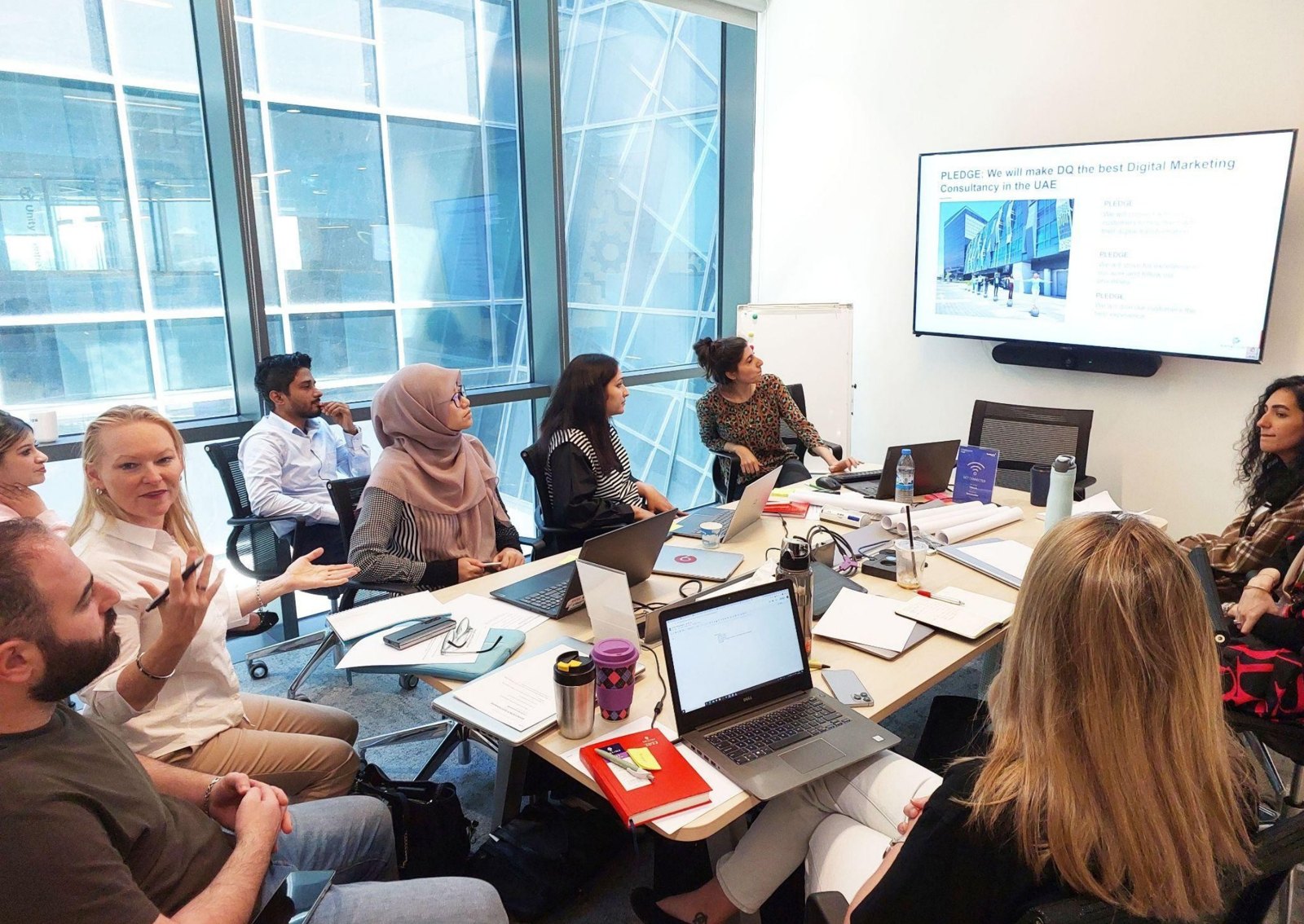
Hands-on from the first hour
Every session ends with something you have built yourself, using your own work wherever possible.
-
SESSION 01
Copilot in the apps you use every day
- Outlook: triage, summaries and drafted replies
- Teams: meeting recaps, actions and follow-ups
- Word and PowerPoint: first drafts and decks from your files
- Excel: analysis, formulas and charts in plain language
Hands-on · you buildA personal Copilot routine that saves hours each week -
SESSION 02
Agents and Copilot Studio
- Agent Builder versus Copilot Studio, and when to use each
- Knowledge agents grounded in SharePoint and Teams content
- Actions and Power Automate flows that complete tasks
- Testing, publishing and sharing agents safely
Hands-on · you buildA departmental agent working on your own documents -
SESSION 03
Rolling out Copilot across the organisation
- Choosing high-value use cases and building a backlog
- Data access, permissions and responsible AI
- Champions, adoption plans and measuring impact
- What is new in Copilot this quarter
Hands-on · you buildA 90-day Copilot adoption roadmap for your team
Why this matters now
Microsoft now ships new Copilot and agent features every month, and many organisations are paying for licences their people barely use. This programme closes that gap with practical, role-based exercises on your own content, so adoption and return on investment show up quickly.
Choose how you learn
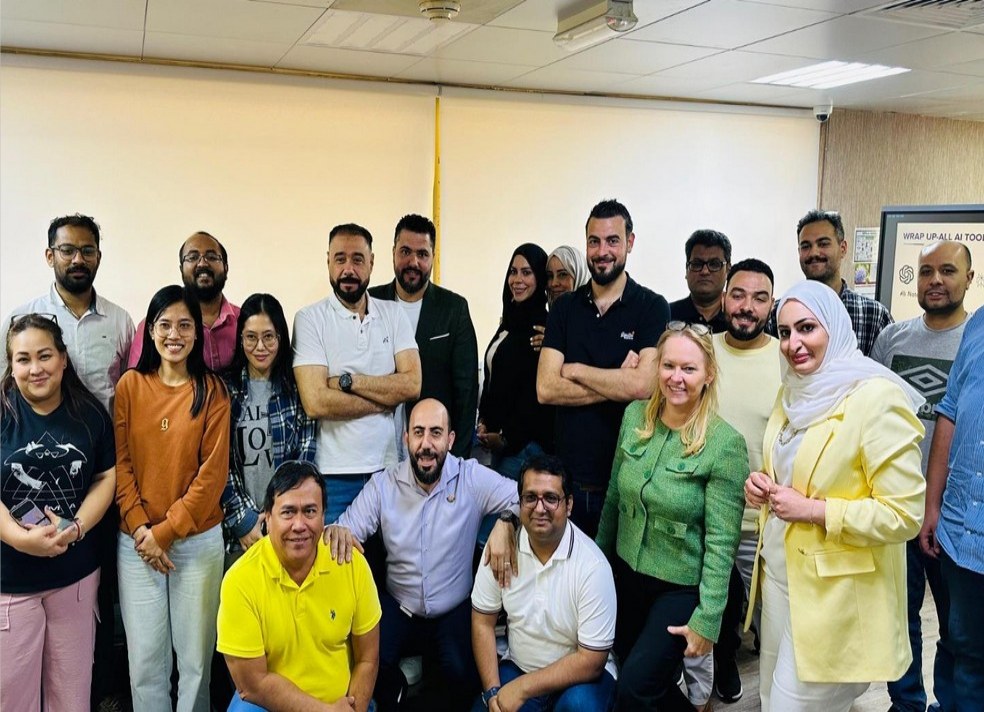
In person at Yas Creative Hub, Abu Dhabi, and in Dubai, or live and interactive online. Other dates are available on request.
What participants say
“Copilot Studio presentation”
“The AI training transformed the way I work. What used to take me hours in Excel—like building dashboards and running complex reports—now takes minutes. I can focus more on decision-making rather than manual. – HR Specialist”
“Brilliant session, especially for beginners, on how to create agents to improve daily tasks”
Frequently asked questions
Can't find your answer? Email training@digital-qube.com or call +971 52 565 7334.
Do we need Copilot licences?
For the hands-on exercises, yes: participants need a Microsoft 365 Copilot licence or a trial. We can advise on licensing before the session.
Is this a Microsoft certification course?
No. It is practical, role-based training. We can point participants to Microsoft's own certifications afterwards.
Do I need any technical background?
No. Every programme starts from first principles and builds up through guided practice. You need a laptop and a willingness to try things.
Is it in person or online?
Both. Public cohorts run at Yas Creative Hub, Abu Dhabi, in Dubai, and as live interactive online classes. Corporate programmes run at your offices, ours or online.
Can I work on my own projects?
Yes, and we encourage it. Bring a real task, campaign or process and you will leave with a working version of it.
Do I get a certificate?
Yes. Everyone who completes the programme receives a Digital Qube certificate of completion.
How do I book or check dates?
New cohorts start every month. Send an enquiry or email training@digital-qube.com and we will share the next available dates.
You might also like
All programmes →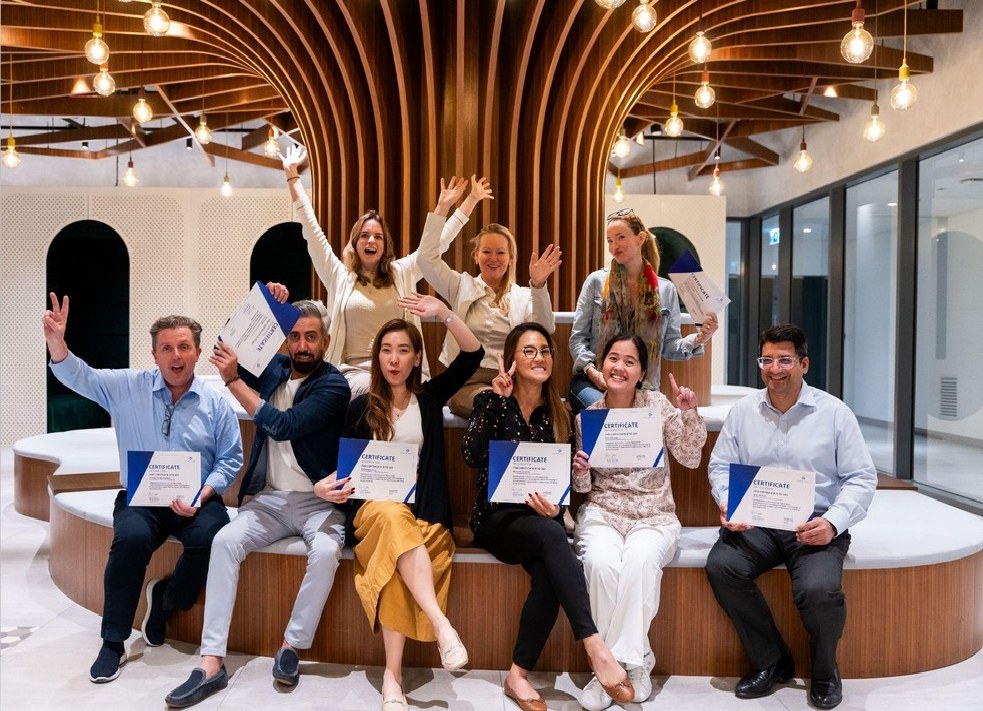
Ready to book Microsoft Copilot & AI Agents?
New cohorts start every month in Abu Dhabi, Dubai and online, and we run bespoke versions for teams. Tell us what you need and we will send dates and a quote.